📱 IT
휴대폰 글자, 몇 초 만에 크게 키우기
Make the Text Bigger on Your Phone
📖 전체 읽기
원문 문단
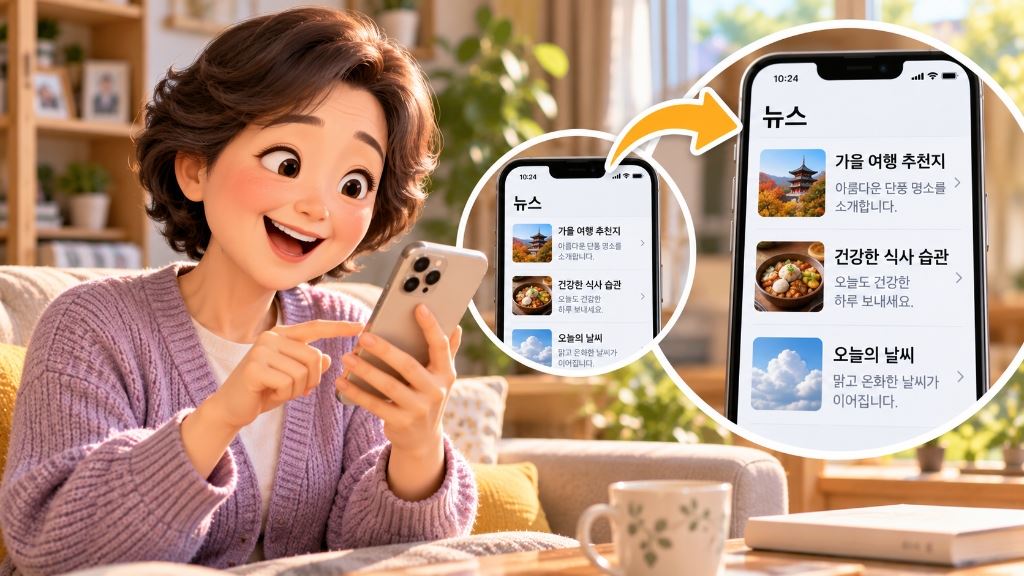
Small letters on your phone can make your eyes tired. You can make the text bigger in a few seconds. Open Settings and look for “Display.” Move the slider to the right for bigger text. Messages and news become easier to read right away. It may look crowded at first but you'll get used to it. You can change it back anytime you want.
▼ 한국어 해석 보기
휴대폰의 작은 글씨는 눈을 피곤하게 만들 수 있어요. 몇 초 만에 글자를 더 크게 할 수 있어요. 설정을 열고 ‘디스플레이’를 찾아보세요. 글씨를 더 크게 하려면 막대를 오른쪽으로 밀어 보세요. 문자와 뉴스가 바로 읽기 쉬워져요. 처음엔 화면이 꽉 차 보일 수 있지만 곧 익숙해질 거예요. 원할 때 언제든지 다시 되돌릴 수 있어요.
🔍 문장별 집중 훈련
Small letters on your phone can make your eyes tired.
휴대폰의 작은 글씨는 눈을 피곤하게 만들 수 있어요
휴대폰의 작은 글씨는 눈을 피곤하게 만들 수 있어요.
You can make the text bigger in a few seconds.
글자를 더 크게 할 수 있어요 몇 초 만에
몇 초 만에 글자를 더 크게 할 수 있어요.
Open Settings and look for “Display.”
설정을 열고 ‘디스플레이’를 찾아보세요
설정을 열고 ‘디스플레이’를 찾아보세요.
Move the slider to the right for bigger text.
막대를 밀어 보세요 오른쪽으로 글씨를 더 크게 하려면
글씨를 더 크게 하려면 막대를 오른쪽으로 밀어 보세요.
Messages and news become easier to read right away.
문자와 뉴스가 읽기 쉬워져요 바로
문자와 뉴스가 바로 읽기 쉬워져요.
It may look crowded at first but you'll get used to it.
처음엔 화면이 꽉 차 보일 수 있지만 곧 익숙해질 거예요
처음엔 화면이 꽉 차 보일 수 있지만 곧 익숙해질 거예요.
You can change it back anytime you want.
다시 되돌릴 수 있어요 원할 때 언제든지
원할 때 언제든지 다시 되돌릴 수 있어요.
📚 레슨에서 배운 표현
💡 핵심 어휘 & 표현
font size
글자 크기
"I made the font size bigger on my tablet."
slider
(밀어서 조절하는) 막대
"Move the slider to change the brightness."
settings
설정
"You can find it in the settings menu."
get used to
~에 익숙해지다
"I got used to my new phone quickly."
오늘의 스피킹 한마디
🎯 Is the text on your phone easy to read?